> ## Documentation Index
> Fetch the complete documentation index at: https://docs.honeycomb.io/llms.txt
> Use this file to discover all available pages before exploring further.
# Kubernetes Cluster Events
> Retrieve cluster events as logs
Ent+
This feature is available as an add-on for the [Honeycomb Enterprise plan](https://www.honeycomb.io/pricing/).
Please contact your Honeycomb account team for details.
## Supported Platforms
| Platform | Metrics | Logs | Traces |
| :- | :- | :- | :- |
| Kubernetes Deployment | | ✓ | |
| OpenShift 4 Deployment | | ✓ | |
## Configuration Table
| Parameter | Type | Default | Description |
| :- | :- | :- | :- |
| cluster\_name\* | `string` | | The cluster name that will be added as the `k8s.cluster.name` resource attribute. |
| namespaces | `strings` | | Namespaces to collect events from. Default to all namespaces. |
## Example Configuration
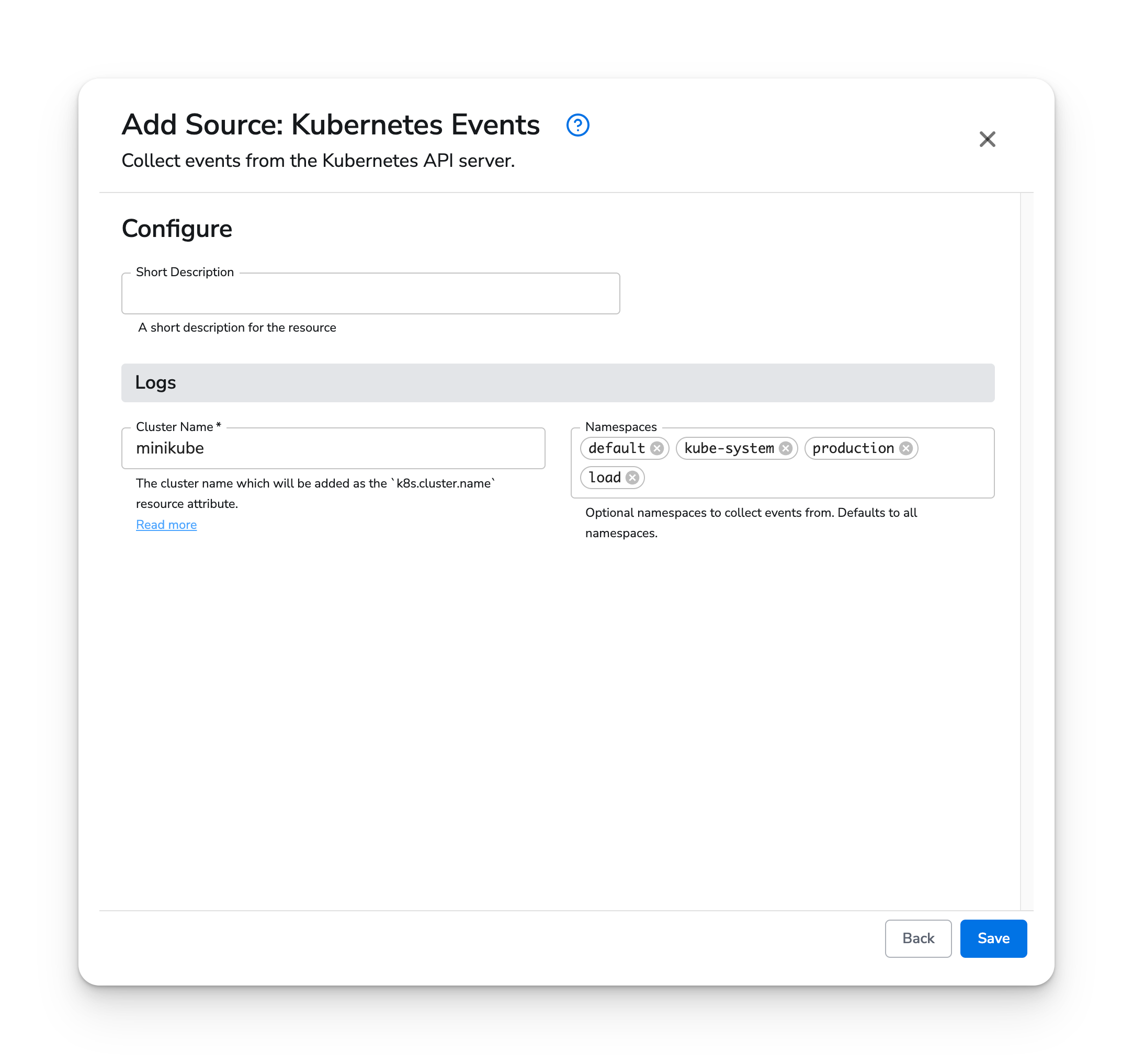
The Kubernetes Events source has two options:
* Cluster Name: The name of the cluster, which will be inserted as the `k8s.cluster.name` resource attribute
* Namespaces: List of namespaces to collector events from. This is optional and defaults to all namespaces.
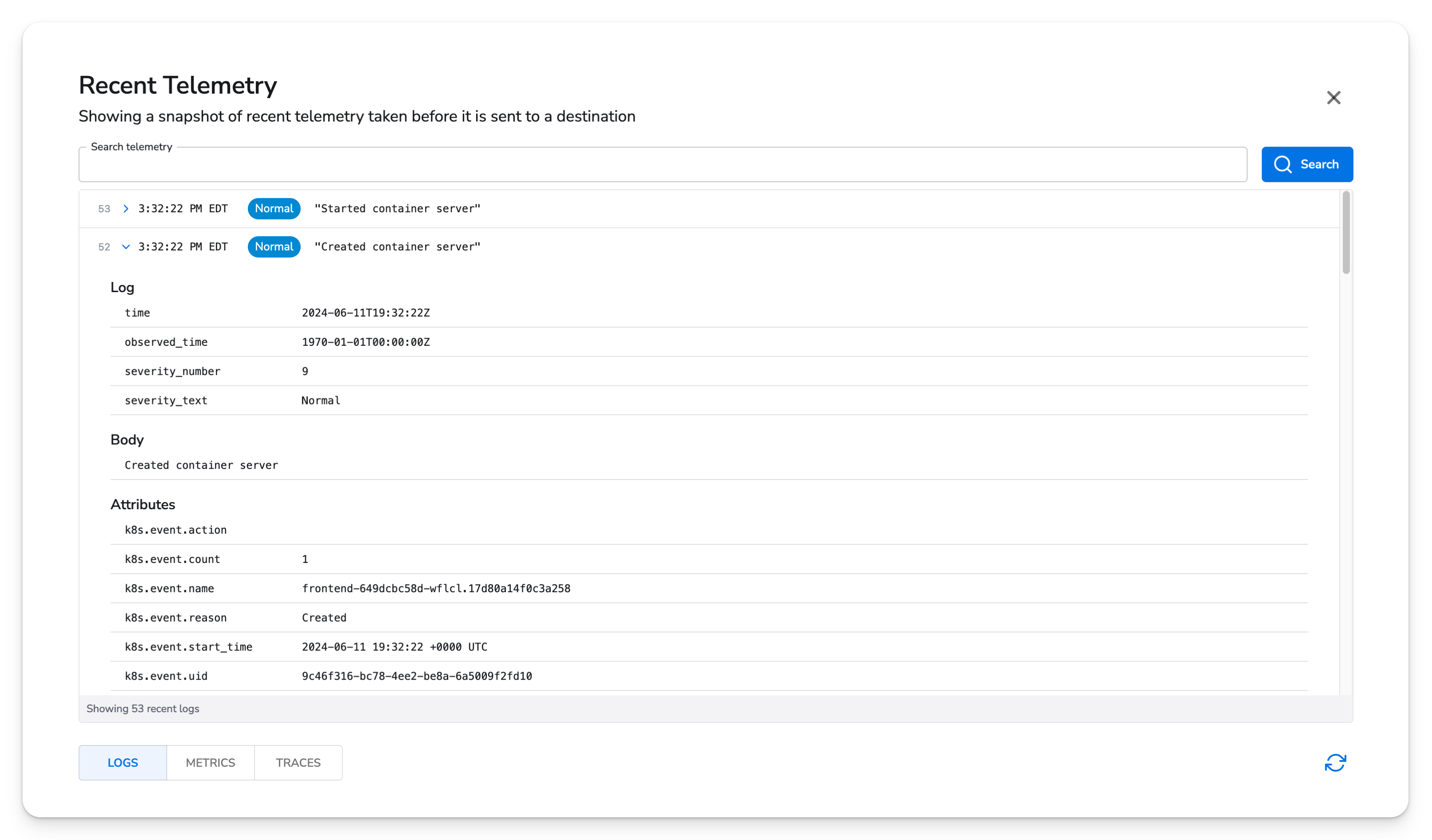
 Once running on an agent, events will look like this: